Commands
Register commands that users can discover and trigger from a command palette.
Press Ctrl/Cmd+K to open the palette, then search for commands by name. (Ctrl/Cmd+Shift+P also works on browsers that don’t reserve it, e.g. everything except Firefox.) Commands can also be bound to keyboard hotkeys.
Key methods:
viser.GuiApi.add_command()to register a named commandviser.CommandHandle.on_trigger()to attach a callbackviser.CommandHandle.remove()to unregister a command
Features demonstrated:
Registering commands with labels, descriptions, icons, and hotkeys
Fuzzy search filtering in the palette
Dynamic command updates (label, description, icon changes)
Removing commands at runtime
Source: examples/02_gui/10_commands.py
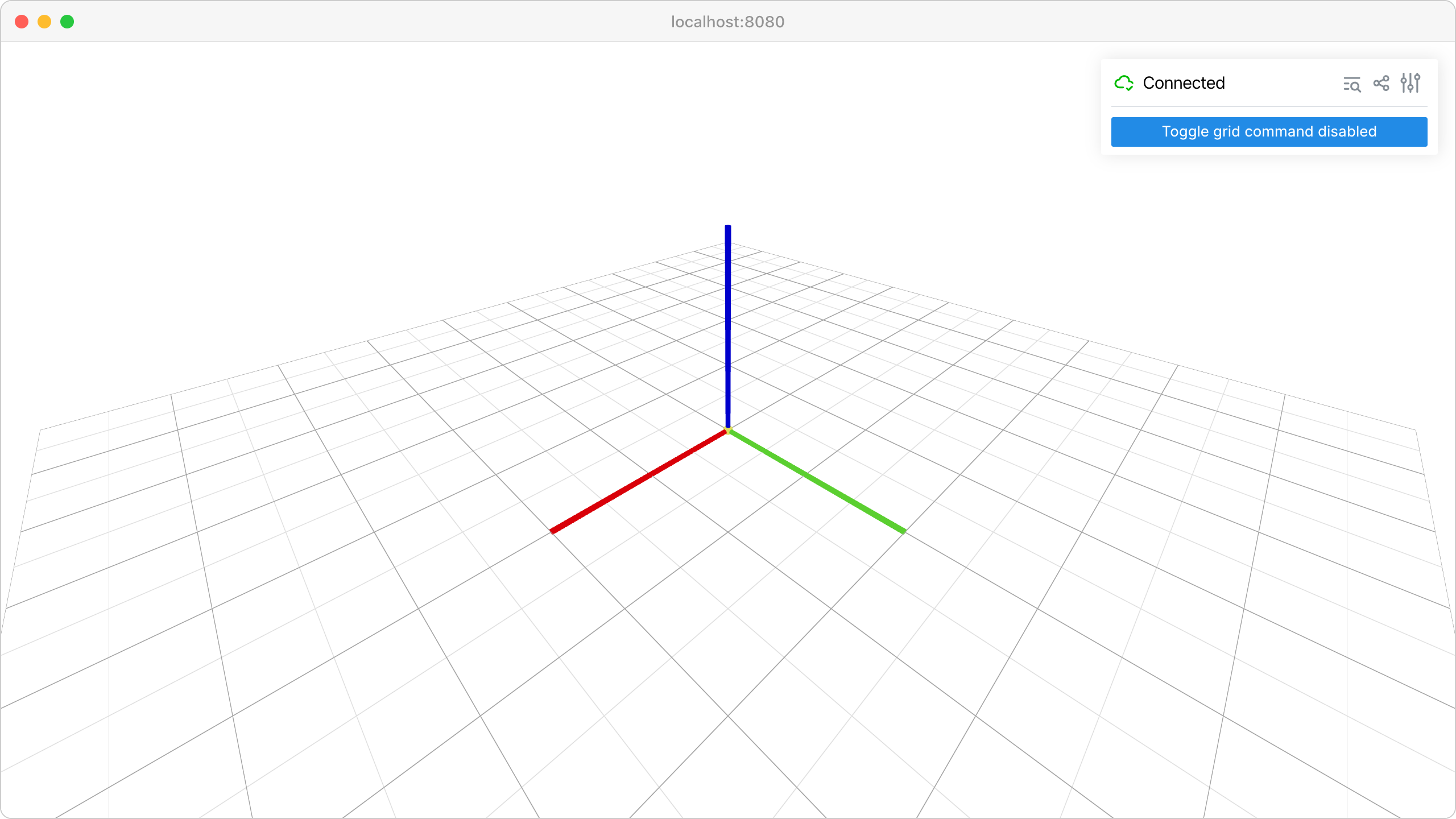
Code
  1import time
  2
  3import viser
  4
  5
  6def main() -> None:
  7    server = viser.ViserServer()
  8
  9    # Basic command.
 10    hello_cmd = server.gui.add_command(
 11        "Say Hello",
 12        description="Show a greeting notification",
 13        icon=viser.Icon.MESSAGE,
 14    )
 15
 16    @hello_cmd.on_trigger
 17    def _(event: viser.CommandEvent) -> None:
 18        assert event.client is not None
 19        event.client.add_notification(
 20            title="Hello!",
 21            body="You triggered the Say Hello command.",
 22            color="teal",
 23        )
 24
 25    # Command with a hotkey.
 26    reset_cmd = server.gui.add_command(
 27        "Reset Camera",
 28        description="Move the camera back to the default view",
 29        hotkey="R",
 30        modifier="cmd/ctrl+shift",
 31        icon=viser.Icon.REFRESH,
 32    )
 33
 34    @reset_cmd.on_trigger
 35    def _(event: viser.CommandEvent) -> None:
 36        assert event.client is not None
 37        event.client.camera.position = (3.0, 3.0, 3.0)
 38        event.client.camera.look_at = (0.0, 0.0, 0.0)
 39        event.client.add_notification(
 40            title="Camera Reset",
 41            body="Camera position has been reset.",
 42            color="blue",
 43        )
 44
 45    # Toggle command (changes label/icon on each trigger).
 46    grid_visible = True
 47    grid_handle = server.scene.add_grid("/grid", width=10.0, height=10.0)
 48
 49    toggle_cmd = server.gui.add_command(
 50        "Hide Grid",
 51        description="Toggle grid visibility",
 52        icon=viser.Icon.EYE_OFF,
 53    )
 54
 55    @toggle_cmd.on_trigger
 56    def _(event: viser.CommandEvent) -> None:
 57        nonlocal grid_visible
 58        grid_visible = not grid_visible
 59        grid_handle.visible = grid_visible
 60
 61        if grid_visible:
 62            toggle_cmd.label = "Hide Grid"
 63            toggle_cmd.icon = viser.Icon.EYE_OFF
 64        else:
 65            toggle_cmd.label = "Show Grid"
 66            toggle_cmd.icon = viser.Icon.EYE
 67
 68    # Removable command.
 69    counter = 0
 70    removable_cmd = server.gui.add_command(
 71        "Self-Destruct",
 72        description="This command removes itself after being triggered",
 73        icon=viser.Icon.BOMB,
 74    )
 75
 76    @removable_cmd.on_trigger
 77    def _(event: viser.CommandEvent) -> None:
 78        nonlocal counter
 79        counter += 1
 80        assert event.client is not None
 81        event.client.add_notification(
 82            title="Boom!",
 83            body=f"Triggered {counter} time(s). Removing command...",
 84            color="red",
 85        )
 86        removable_cmd.remove()
 87
 88    server.scene.add_frame("/frame", show_axes=True, axes_length=2.0)
 89    toggle_cmd_disabled = server.gui.add_button("Toggle grid command disabled")
 90
 91    @toggle_cmd_disabled.on_click
 92    def _(_) -> None:
 93        toggle_cmd.disabled = not toggle_cmd.disabled
 94
 95    while True:
 96        time.sleep(1.0)
 97
 98
 99if __name__ == "__main__":
100    main()